¶ 2.17 TV Show Converter
¶ 2.17.1 Introduction
What can TV Show Converter do?
TV Show Converter can convert TV shows and auto-generate covers, descriptions, and more, create .nfo files—perfect for organizing shows and displaying your collection on any media server. It can also achieve fast and efficient batch conversion of TV show videos. A must-have for TV show collectors!

How to Use UniFab TV Show Converter
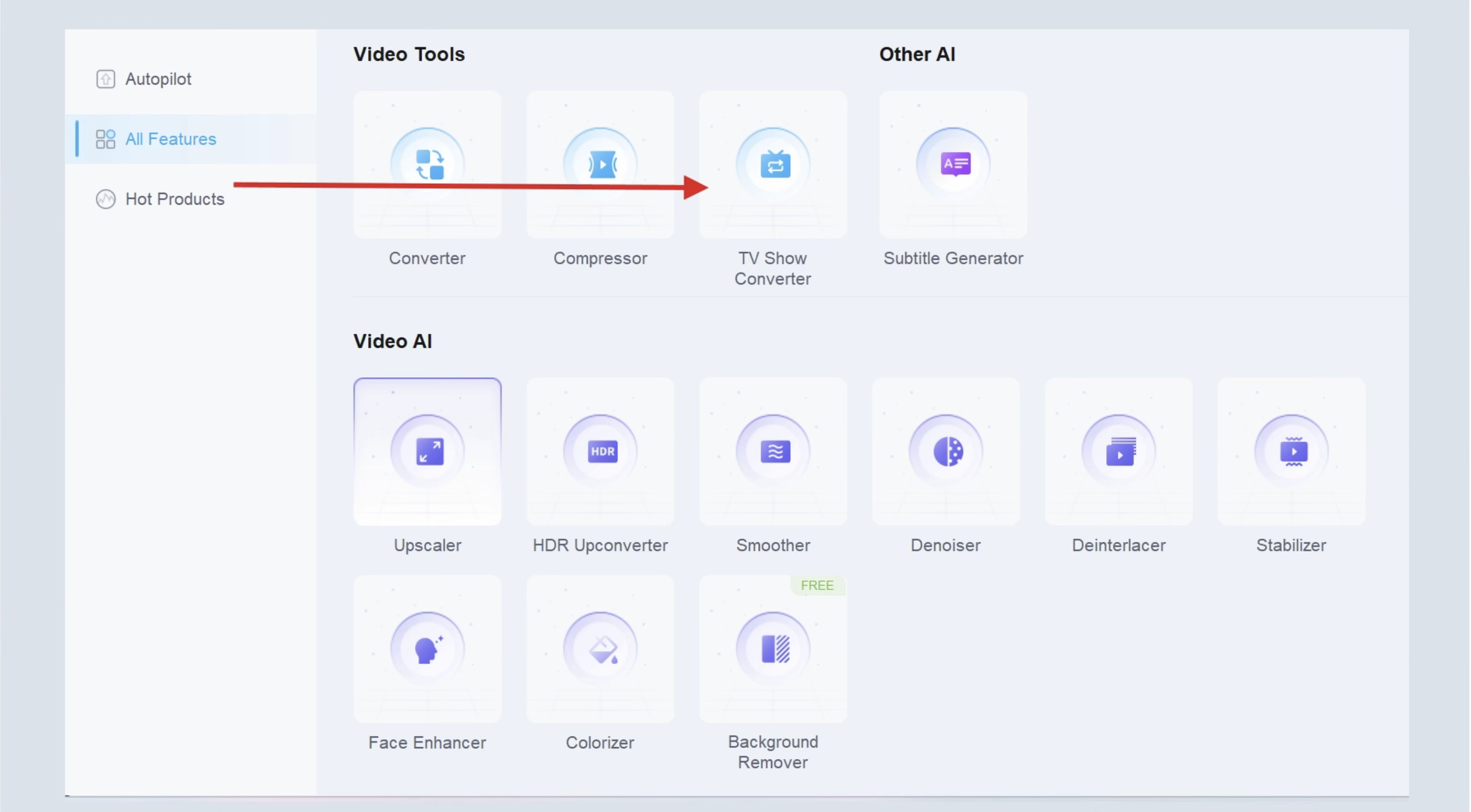
- Step 1: Upload Your TV Show
Launch UniFab and select the “ TV Show Converter” module. Then import your TV show.
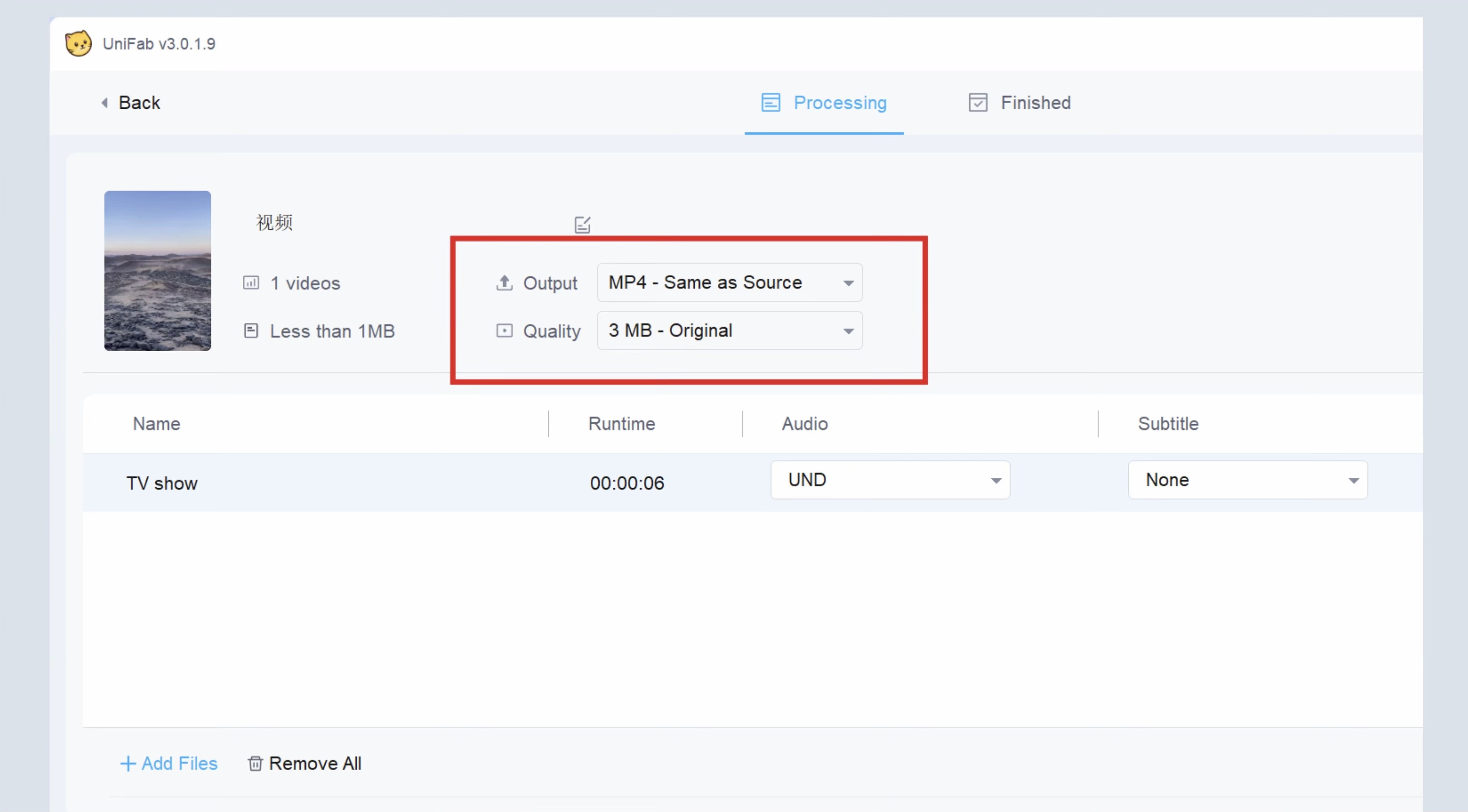
- Step 2: Select Output and Quality
Choose output, quality, and other settings you need.
- Step 3: Export the Subtitle File
Click “Start” to begin the TV show conversion. Once done, you’ll get .nfo files.
¶ 2.17.2 System Requirements
| Operating System | System Memory(RAM) | Graphics Cards | CPU |
| Windows 11/10(64 bit only) | 16GB or more | Nvidia RTX 30 series or higher, 8GB VRAM | Intel i7 8th generation or AMD Ryzen 3000 series or higher |
¶ 2.17.3 FAQs
Is the TV Show Converter free?
UniFab offers a 30-day free trial with full access to all features, including the TV Show Converter, with no watermark. Each module can be used three times during the trial before you decide to purchase.
What is TV Show Converter and how can it help me organize my TV shows?
TV Show Converter is an all-in-one media organizer software designed to batch convert TV show episodes while automatically embedding rich metadata and generating .nfo files. It helps users easily organize TV shows, making your media library cleaner and compatible with popular media servers like Plex, Kodi, and Emby.
Why do I need metadata and .nfo files for my TV shows?
Metadata and .nfo files are essential for any media organizer software because they provide detailed information about your files. This makes organizing TV shows much easier and ensures your media server can correctly recognize and categorize your collection for smooth browsing.
¶ Final Notes
This guide is designed to help you make the most of UniFab TV Show Converter. For additional help or inquiries, please visit our support page or contact customer service: service@unifab.ai.